
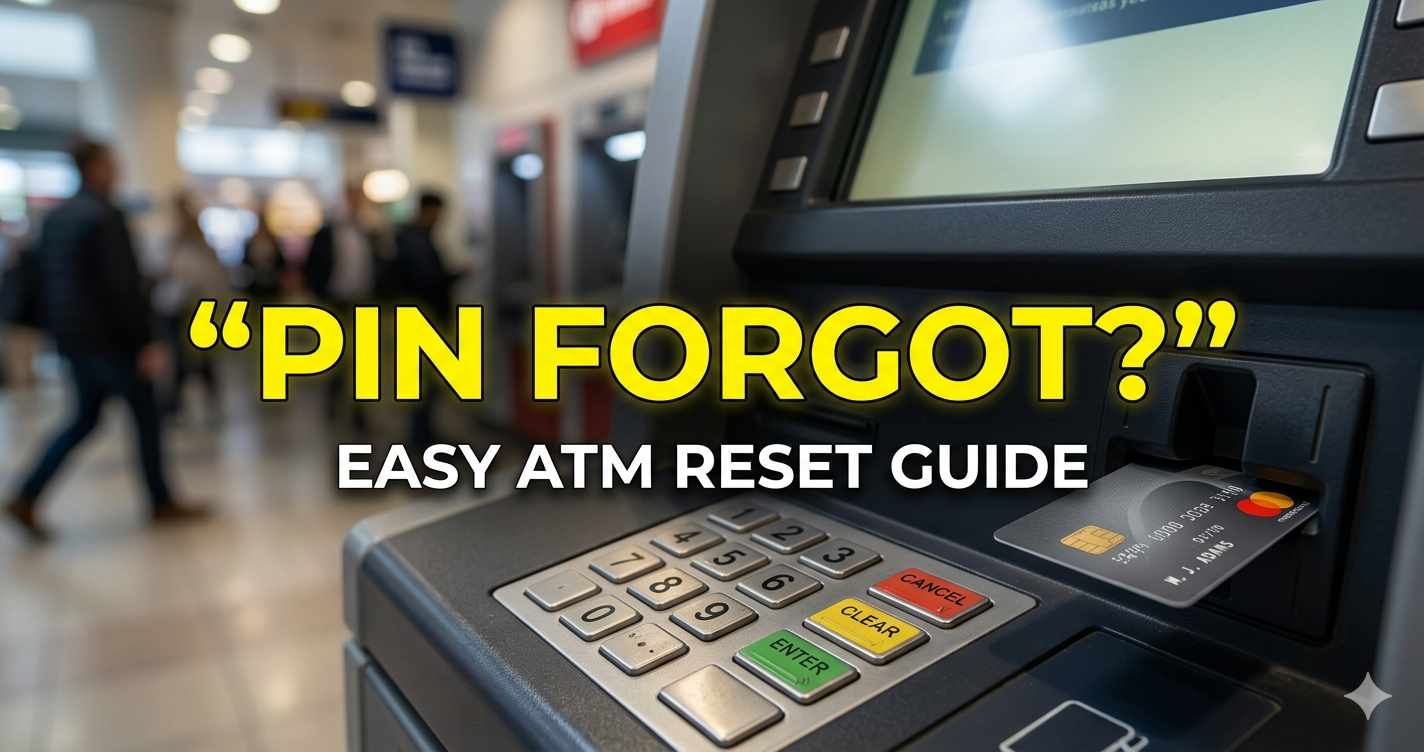
Forgetting your ATM PIN is a very common problem faced by many people in India. In my day- to-day banking experience at the branch, I have seen many customers asking how to reset their ATM PIN after forgetting it. This usually happens when someone gets a new debit card, uses an ATM after a long gap, or has multiple PINs to remember. The good news is that even if you forget your ATM PIN, your money is completely safe. You can easily reset your ATM PIN in just a few minutes using an ATM machine, mobile banking app, or net banking. In this guide, I will explain the step-by-step process in a simple and clear way.
ATM PIN Generate कसा करावा? (How to Generate ATM PIN First Time) – Simple Guide 2026
What to Do Immediately If You Forget Your ATM PIN
Many people panic and try random PINs.
❌ Don’t do this 👉 Entering the wrong PIN 3 times can block your card temporarily. ✅ What should you do instead? Stay calm and use the PIN reset process through an ATM, mobile app, or net banking
How to Reset ATM PIN Using an ATM (Step-by-Step)
Follow these simple steps: 1️⃣ Insert your debit card into the ATM machine. 2️⃣ Select “Create PIN” or “Forgot PIN” option. 3️⃣ Enter your card details or account number. 4️⃣ Enter the OTP sent to your registered mobile number. 5️⃣ Set your new ATM PIN. 6️⃣ Confirm the PIN. 👉 That’s it! Your new PIN is ready to use.
How to Reset ATM PIN Using Mobile App / Net Banking
This is the easiest method today 👇 Open your bank’s mobile app (e.g., YONO SBI, HDFC Bank App) Go to Debit Card Services or ATM PIN Generate/Reset Verify using OTP and Set a new PIN
Common Mistakes to Avoid
❌ Trying random PIN guesses ❌ Sharing OTP with anyone ❌ Setting PIN in public places ❌ Using weak PINs like 1234 or 0000
ATM card block झाले आहे तर काय करावे येथे वाचा 👇
ATM कार्ड ब्लॉक झाले? 2 मिनिटांत पुन्हा सुरू करण्याची सोपी पद्धत (2026)
Frequently Asked Questions (FAQs)
1. Will my ATM card be blocked if I forget the PIN?👉 No, but entering the wrong PIN 3 times can temporarily block your card.
2. Do I need to visit an ATM to reset my PIN? 👉 No, you can reset it using a mobile app or net banking.
3. Can I reset ATM PIN without OTP? 👉 No, OTP is required for security reasons.
4. How long does it take to reset ATM PIN? 👉 Usually 2–5 minutes.
(Conclusion)
Forgetting your ATM PIN is not a big problem. 👉 With the right method, you can reset it within minutes. Don’t panic
Avoid wrong attempts
Follow the correct process
👉 Stay safe and keep your banking secure.