
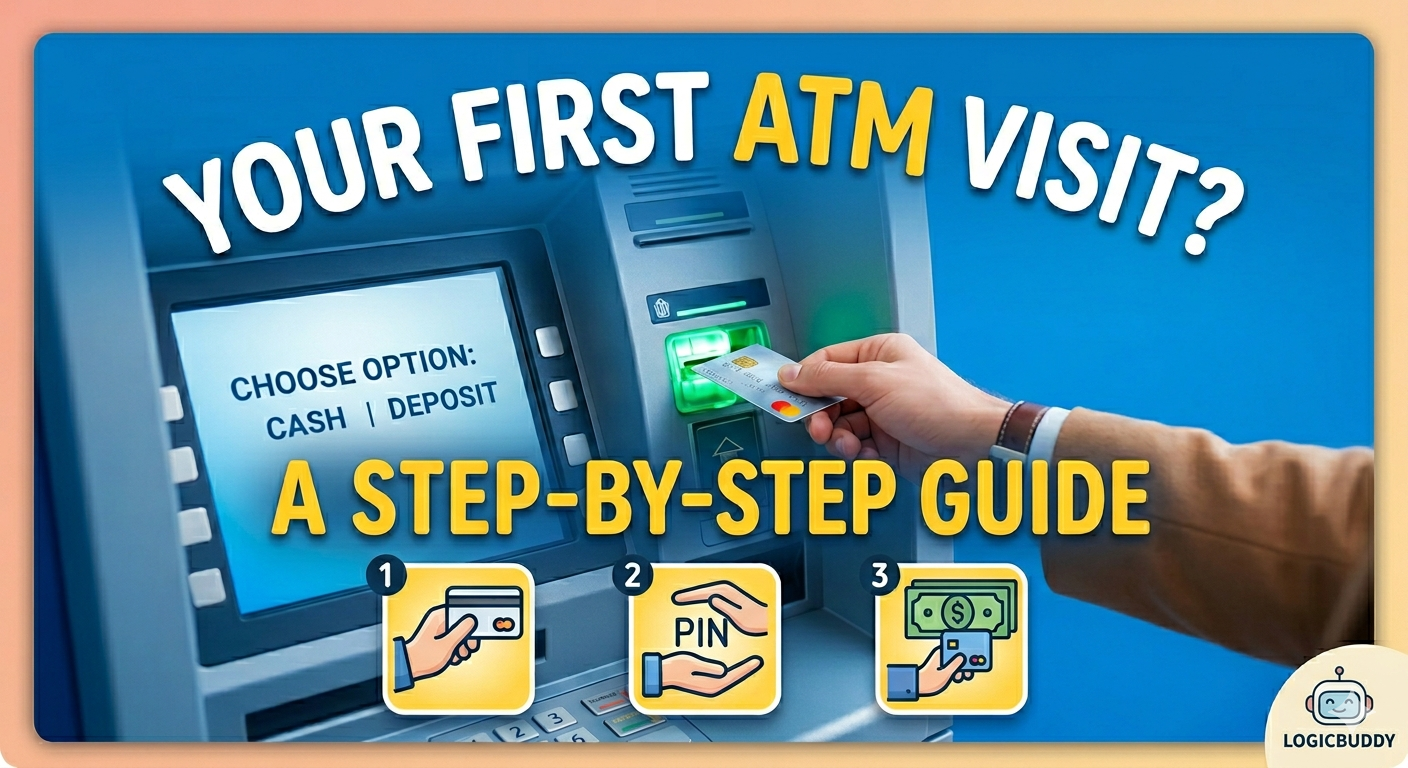
Using an ATM card for the first time can feel confusing or even stressful You might be thinking: 👉 What if I press the wrong button? 👉 What if my card gets blocked? 👉 How do I withdraw money safely? Don’t worry—this guide will help you understand exactly how to use an ATM card step by step in India, even if you’re a complete beginner.
How to Generate ATM PIN for First Time
Before using your ATM card, you must generate or activate your ATM PIN. Without a PIN, you cannot withdraw money.
✅ Method 1: Generate ATM PIN at ATM Machine
- Insert your ATM card into the machine
- Select “Create PIN” / “Generate PIN” option
- Enter your account number or card details (if asked)
- Enter OTP received on your registered mobile number
- Set your new 4 ATM PIN
- Confirm the PIN 👉 Your ATM PIN will be activated instantly
Method 2: Generate ATM PIN via Mobile Banking / SMS
Many banks allow PIN generation through:Mobile banking appSMS serviceInternet banking
- Mobile banking app
- SMS service
- internet banking 👉 Check your bank’s official app or website for this option
⚠️ Important Tips While Setting ATM Pin
- never use easy PINs like 1234 or 0000
- Do not share your PIN with anyone
- Always remember your PIN securely
- Change your PIN regularly for safet
You cannot use your ATM card for withdrawal until your PIN is generated and activated.
For detailed guide regarding PIN settings click 👇
ATM PIN Generate कसा करावा? (How to Generate ATM PIN First Time) – Simple Guide 2026
How to Use ATM Card for First Time (Quick Steps)
- Insert your ATM card into the machine
- Select your preferred language
- Enter your 4-digit ATM PIN
- Choose “Cash Withdrawal” option
- Select account type (Savings/Current)
- Enter the amount
- Collect your cash
- Take your ATM card and receipt 👉 That’s it—your transaction is complete.
How to Use ATM Machine for the First Time (Detailed Guide)
. 1. Insert Your ATM Card Insert your card into the ATM slot. Some machines return it immediately, others keep it till the end
2. Choose Language Select your preferred language (English, Hindi, Marathi, etc.)
3. Enter Your ATM PIN Enter your 4-digit secure PIN Always cover the keypad while entering PIN
4. Select Transaction Type Choose “Cash Withdrawal”
5. Select Account Type Choose:Savings Account (most common) Current Account
6. Enter Amount Enter the amount you want to withdraw. Example: ₹500, ₹1000, ₹2000
7. Collect Cash Machine will dispense cash Take your money immediately
8. Take Your Card & Receipt Don’t forget your ATM card Take receipt if needed
Expert Tip
From banking experience, most ATM fraud happens when people:
- Share their PIN
- Take help from strangers 👉 Always keep your PIN and OTP confidential
Common Mistakes to Avoid While Using ATM Card
- Entering wrong PIN multiple times (card may get blocked)
- Forgetting to take your ATM card after transaction
- Sharing OTP or PIN with others
- Using ATM in unsafe or isolated areas
- Not checking balance after transaction
ATM Safety Tips You Must Follow
- Always check SMS alerts after every transaction
- Immediately report to your bank if your card is lost or stolen
- Never share your PIN or OTP with anyone
- Cover keypad while entering PIN
- Avoid using ATM machines in unsafe locations
🔗 Important Before Using ATM
Before using an ATM card, make sure your bank account is active.👉 Read our savings account opening guide https://logicbuddy.in/how-to-open-a-savings-account/
FAQs
1. Can I use ATM without PIN? No, ATM PIN is required for every transaction.
2. What happens if I enter wrong PIN? After 3 incorrect attempts, your card may get blocked.
3. How to use ATM machine for the first time safely? Follow step-by-step process, avoid sharing PIN, and use secure ATM locations.
4. What should I do if ATM card is lost?Immediately block your card and inform your bank.