
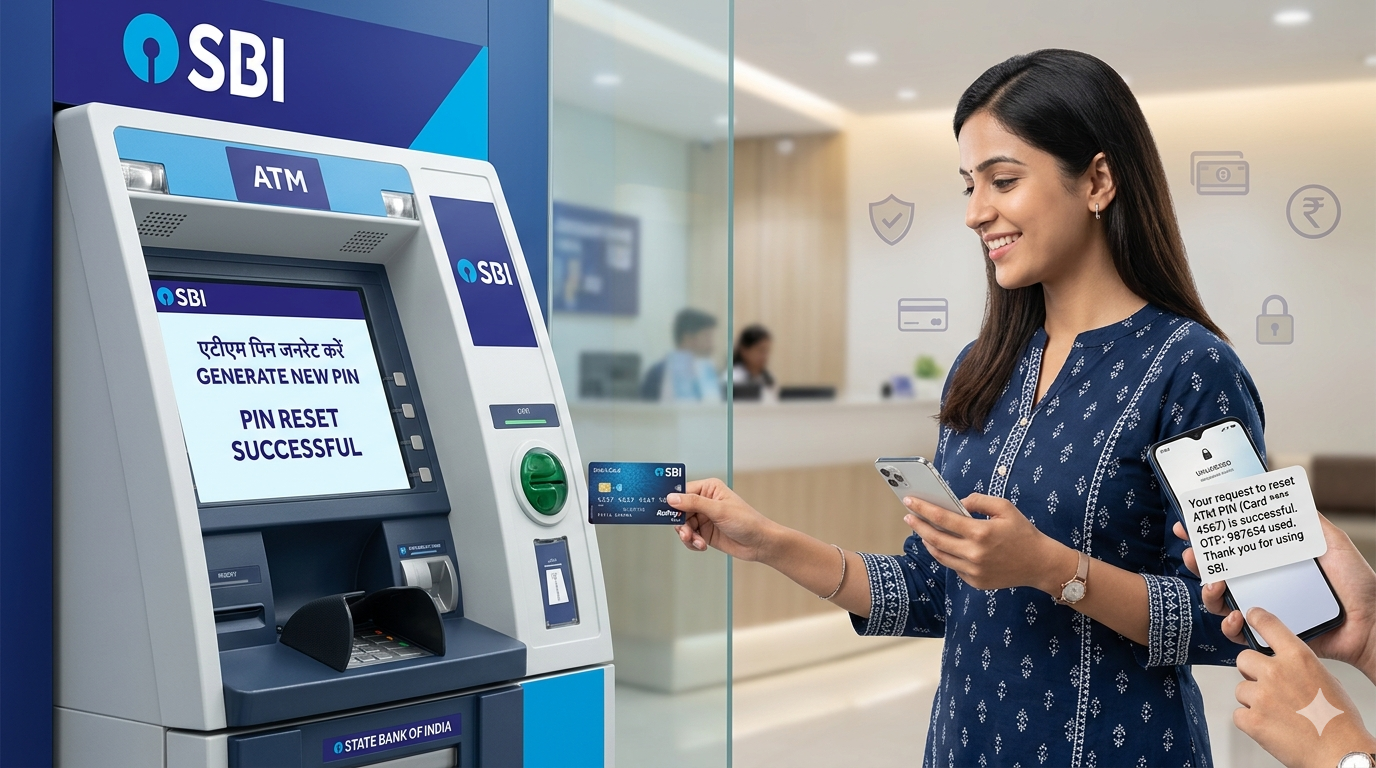
Forgot your ATM PIN? Don’t worry—this happens more often than most people think.
Many people use online payments regularly and rarely visit an ATM. When they finally need cash, they realize they can’t remember their ATM PIN. The good news is that forgetting your PIN does not mean your ATM card is useless. Most banks allow you to generate or reset a new PIN within a few minutes.In this guide, we’ll explain the easiest ways to reset your ATM PIN and what to do if you don’t have access to internet banking or mobile banking.
Can You Reset an ATM PIN If You Forgot It?
Yes.
Most banks in India allow customers to reset their ATM PIN through:
- ATM machine
- Mobile banking app
- Internet banking
The exact process may differ slightly from one bank to another, but the overall steps are similar.
Method 1: Reset ATM PIN Through ATM Machine
This is one of the most common methods.
Step 1: Visit Your Bank’s ATM. Insert your debit card into the ATM machine.
Step 2: Select “Forgot PIN” or “Generate ATM PIN”. Depending on the bank, you may see options such as: Generate PIN Green PIN Forgot ATM PIN Create New PIN
Step 3: Verify Your IdentityYou may be asked to enter: Registered mobile Number account numberDate of birth
Step 4: Enter OTP Received on Mobile
The bank will send a One-Time Password (OTP) to your registered mobile number.
Enter the OTP on the ATM screen.
Step 5: Create a New ATM PIN
Choose a 4-digit PIN that is easy for you to remember but difficult for others to guess.
Avoid PINs like: 1234 0000 Birth year Mobile number Digits
your ATM PIN will be updated instantly.
Method 2: Reset ATM PIN Using Mobile Banking
Most banks now allow PIN reset through their mobile apps.
The general process is:
- Open your bank’s mobile banking app and log in.
- Go to the Debit Card Services or Card Management section.
- Select Generate ATM PIN or Reset ATM PIN.
- Choose the debit card if you have multiple cards linked to your account.
- Complete OTP verification sent to your registered mobile number.
- Enter a new 4-digit ATM PIN and confirm it.
Once the process is completed, your new PIN is usually activated immediately.
Method 3: Reset ATM PIN Through Internet Banking
If you use internet banking regularly, you can generate a new ATM PIN from your computer or mobile browser without visiting an ATM.
Steps to Reset ATM PIN Online
- Log in to your internet banking account.
- Navigate to Debit Card Services.
- Click on Generate ATM PIN or Forgot ATM PIN.
- Verify your identity using OTP or transaction password.
- Create and confirm your new ATM PIN.
Your debit card will be ready to use with the new PIN once the process is completed.
What If None of These Methods Work?
Sometimes customers face issues such as
- Registered mobile number not active
- OTP not received
- Mobile banking not enabled
- Debit card blocked or expired
In such situations, visiting your bank branch is often the fastest solution. Carry your debit card and a valid identity proof. Bank staff can guide you through the PIN reset process or help issue a replacement card if required.
Frequently Asked Questions (FAQs) About ATM PIN Reset
Why am I not receiving the OTP for ATM PIN reset?
OTP delivery may fail due to network issues, an inactive registered mobile number, or technical problems at the bank’s end. Wait a few minutes and try again. If the issue continues, contact your bank’s customer care.
Can I reset my ATM PIN without a registered mobile number?
In most cases, no. Banks use OTP verification for security purposes. If your registered mobile number is no longer active, you may need to visit the bank branch and update your mobile number first.
I forgot my ATM PIN. Will my ATM card stop working?
No. Your ATM card remains active. You simply need to generate a new PIN through an ATM, mobile banking, internet banking, or by visiting your bank branch.
Can I reset my ATM PIN from any bank’s ATM?
Generally, PIN generation or reset works best through your own bank’s ATM. Some banks may allow PIN generation through partner ATMs, but facilities vary from bank to bank.
Our more knowledge article About ATM
How to Use ATM Card for the First Time in India (Step-by-Step + Safety Tips 2026)
ATM PIN Generate कसा करावा? (How to Generate ATM PIN First Time) – Simple Guide 2026
ATM Card हरवल्यास काय करावे? कार्ड ब्लॉक करण्याची संपूर्ण माहिती (2026 Guide)